 Inboxrake
Rake your mailbox into tidy piles.
Inboxrake is a self-hosted web app that rakes an IMAP mailbox into tidy piles: it scans everything, groups mails by sender, subject or thread with counts and sizes, and lets you trash, unsubscribe from or block whole groups at once. Optional AI review (Anthropic, OpenAI, Claude on Microsoft Foundry, or local models via Ollama, LM Studio or vLLM) suggests what is safe to delete.
Try the demoInstallRead the docsGitHub
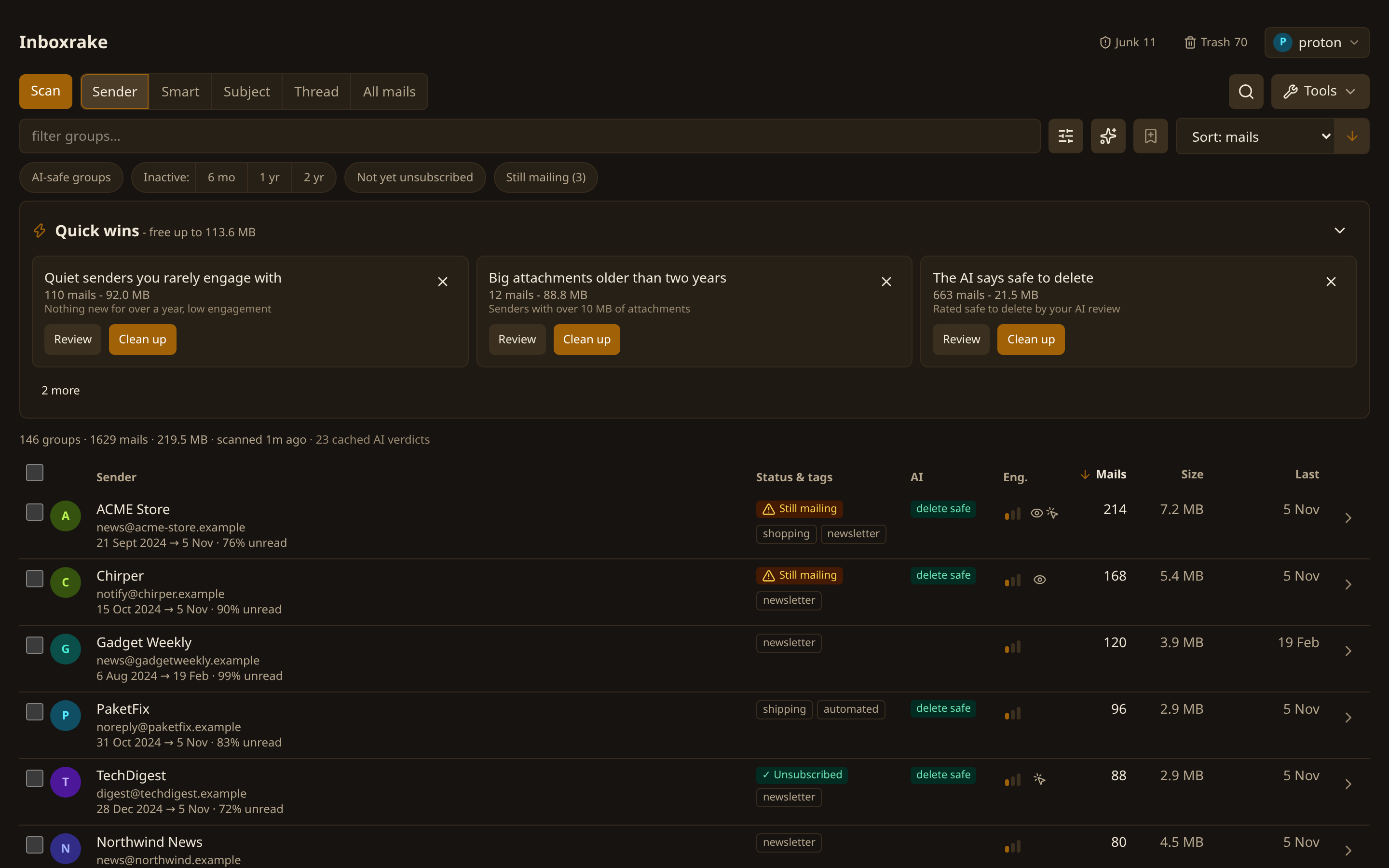
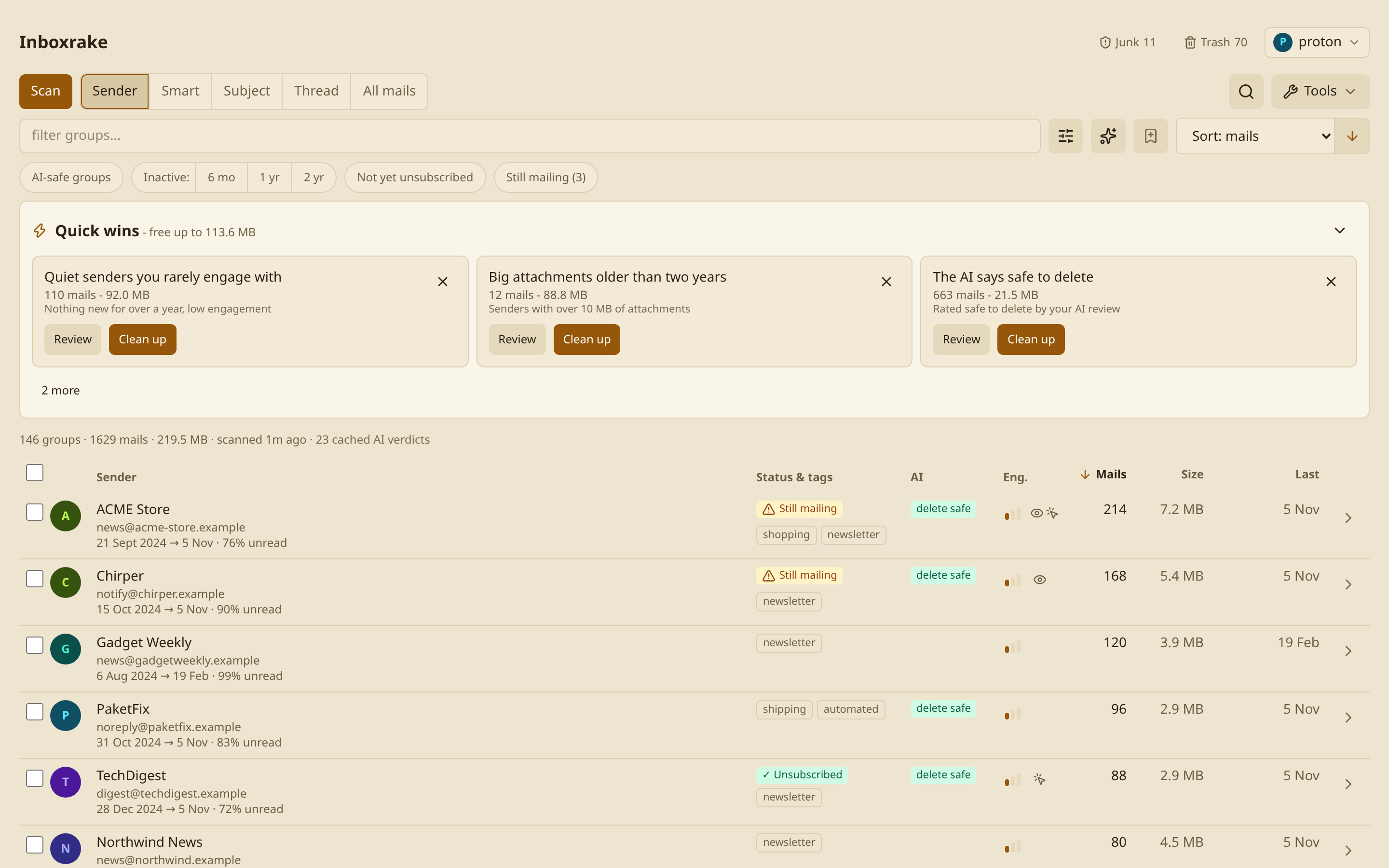
Nothing is deleted without asking
Moves go to Trash and normally offer Undo (the last 10 actions until restart). If the server cannot safely identify a moved copy, restore it manually from Trash. Permanent deletion cannot be undone - except permanent deletion in Trash and Junk: the manual "delete permanently" actions confirm with exact counts, and opt-in purge rules only act after you have reviewed a report run. Scans are read-only. Mailbox access goes to your mail provider; unsubscribe contacts the sender, and SSO contacts your identity provider. Optional AI review sends metadata only, never mail bodies or attachments.
Install
Needs Docker and an IMAP mailbox (Gmail, iCloud, Fastmail, Proton via Bridge, ...). For Proton Mail use docker-compose.proton.ymlinstead of the default compose file (it needs a Bridge image you provide - see its header).
git clone https://github.com/mclgoerg/inboxrake
cd inboxrake/deploy
cp .env.example .env        # optional edits - account setup happens in the UI
sed -i "s|^INBOXRAKE_SECRET_KEY=.*|INBOXRAKE_SECRET_KEY=$(openssl rand -base64 32)|" .env
docker compose up -d
Open http://localhost:8765; on a fresh install a setup wizard walks you through provider, sign-in, folders, an optional login password and the first scan. Platform guides (Synology, Unraid, TrueNAS, Portainer, Raspberry Pi), plain docker run and every setting are in the install guide.